A reflection journal that opens after each morning session
With Rise Pro, the screen that follows a finished session asks one question and gives you a box to answer it. Each answer is saved with its date, so you can read back through your mornings later.
 Rise is an iPhone appPoint your iPhone camera at the code to install it.
or text me the link
What the reflection journal does
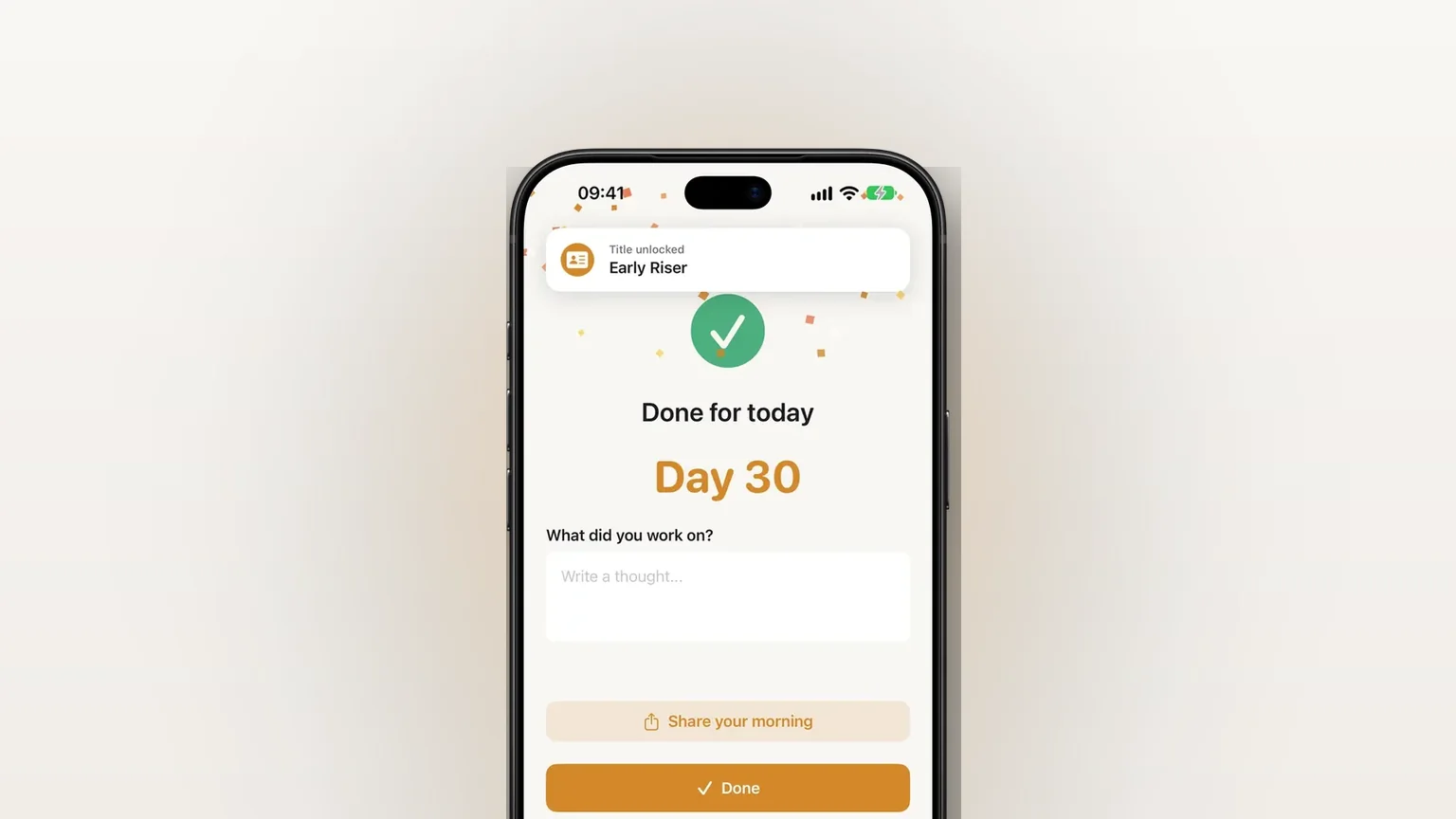
After a focus session ends, Rise shows a completion screen with one prompt and a text box. Write a line or leave it empty and tap Done. Anything you wrote is saved against that session, and the Reflections screen lists every saved line, newest first. Reflections are part of Rise Pro, see the limits below.
Apple's own Journal app is a full journal, with entries you can format, search and export. It is a separate app you open on its own. Rise asks while the session is still fresh, on the screen you already have to tap to finish, and it keeps the entry next to the session it describes. It is a short note, not a diary.
How it works in the app
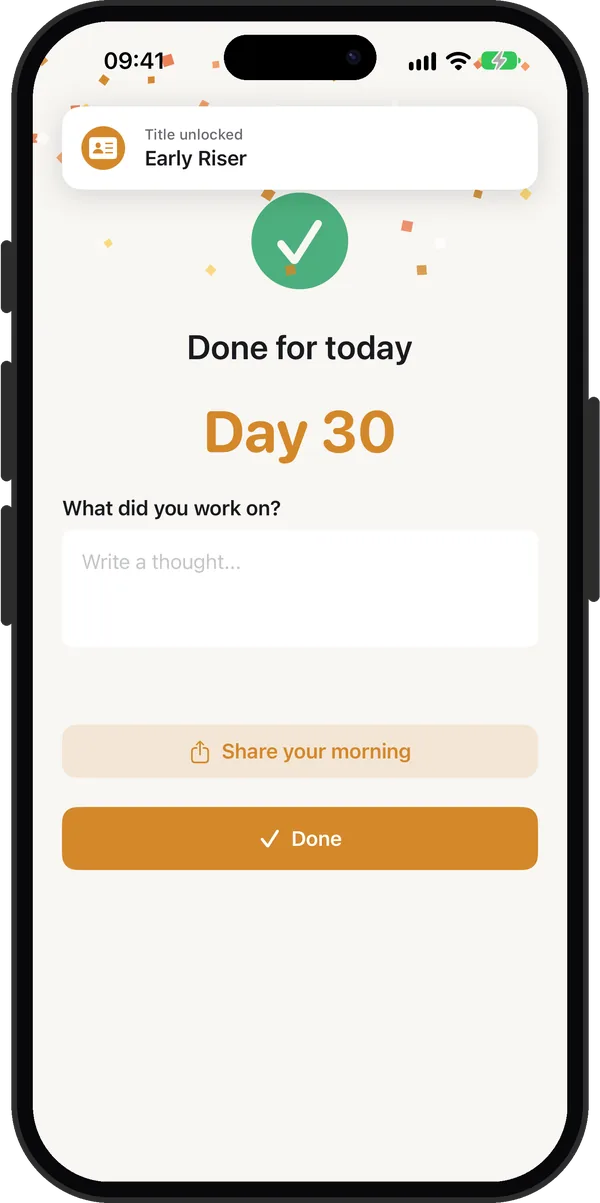
- Finish a focus session. The completion screen opens with your streak day.
- Below the day count, read the prompt. Tap the box that says Write a thought... and type. The box grows to a few lines and the screen scrolls with the keyboard.
- Tap Done. Rise saves your text to that session. If the box is empty, nothing is saved.
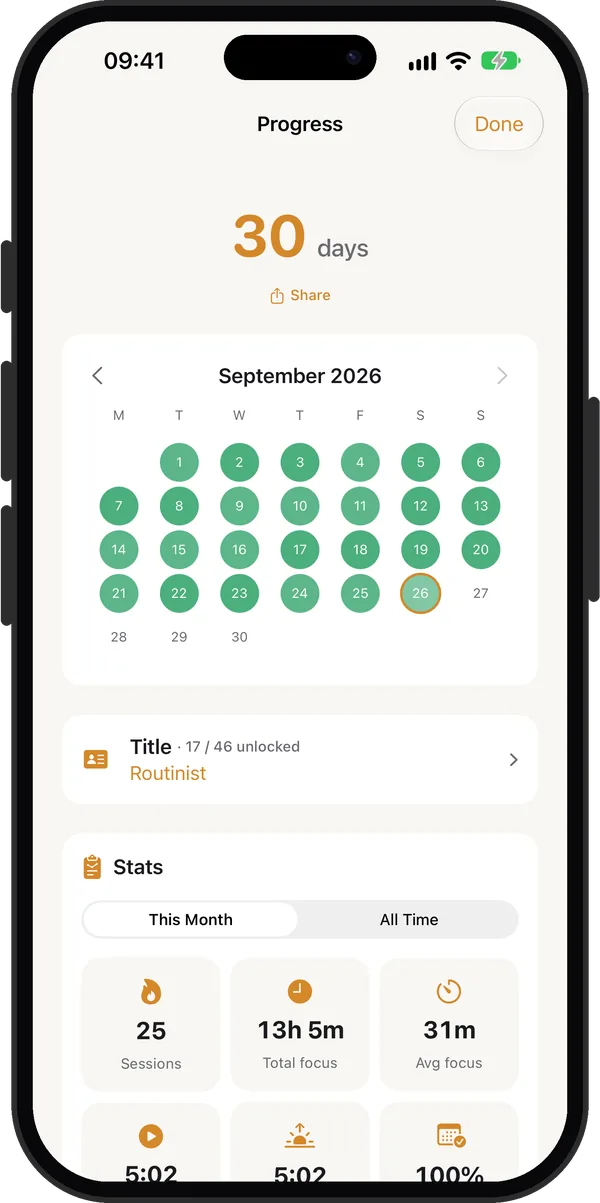
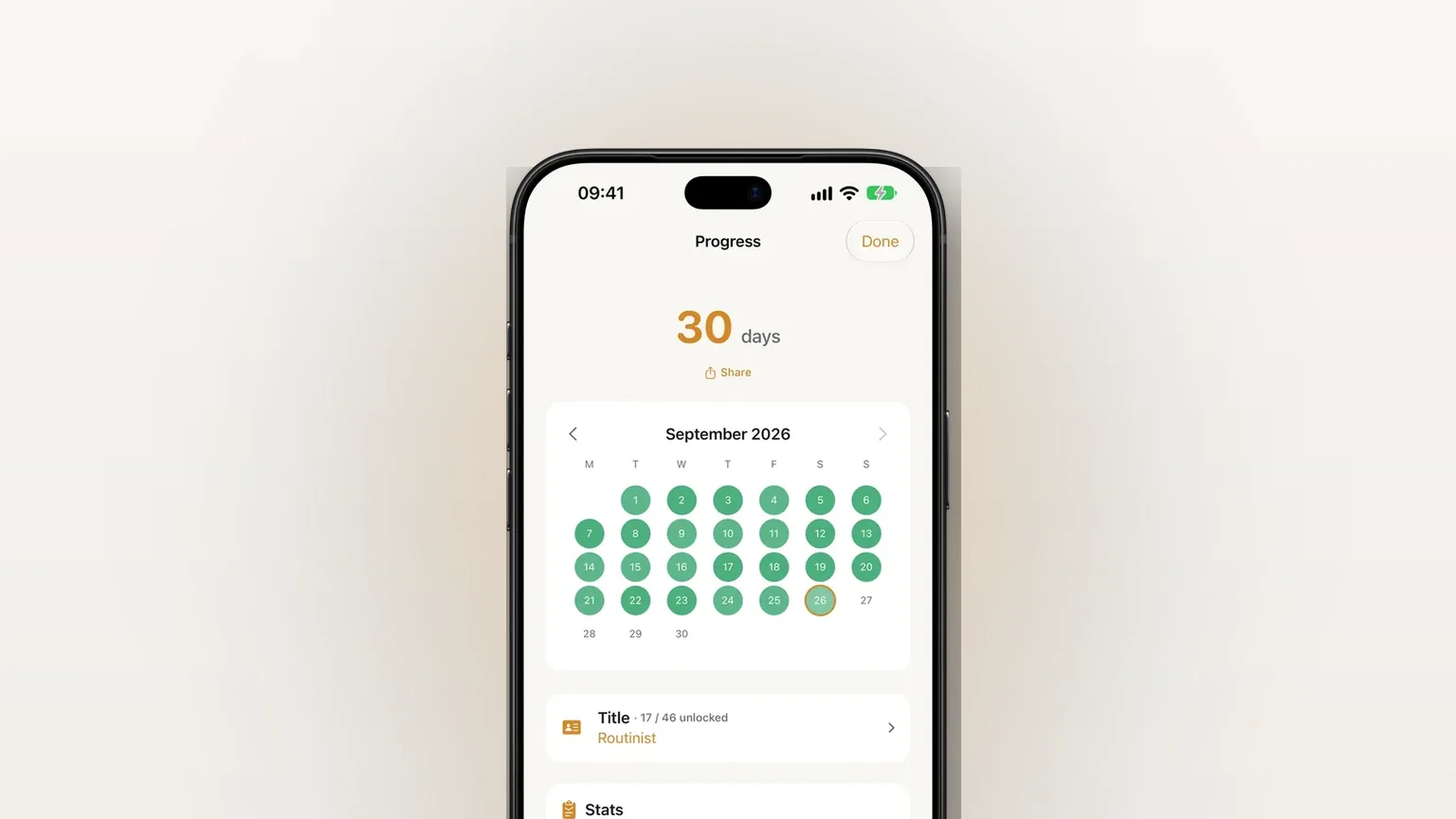
- Later, open the streak card at the bottom of Home to reach Progress, then tap the Reflections row at the bottom.
- Read the list. Each entry shows your text, the date and the focus minutes, such as "5m focus". Swipe an entry left to Delete it. Tap Done to close the screen.
The prompt changes with the day of the year and cycles through seven questions: "How did your session go?", "What did you work on?", "What did you learn today?", "Did anything surprise you this morning?", "What felt different about today?", "What do you want to carry into the rest of your day?" and "How are you feeling after that session?"
Options and variations
There is little to configure. The variation comes from what kind of session you finished and whether you have Pro.
| Case | What you see |
|---|---|
| Session of 5 minutes or more | One of the seven rotating prompts, with the placeholder "Write a thought..." |
| Session ended under 5 minutes | "What kept you from focusing?" with the placeholder "Anything on your mind..." |
| No Pro | A dimmed card with a PRO badge and "Journal with Rise Pro". Tapping it opens the paywall |
| Reflections screen filter | All, Complete (5+ minutes) or Incomplete (under 5 minutes) |
| Dot beside an entry | Green for a full session, grey for a short one |
Writing also counts toward two identity titles: Reflective for 7 reflections and Chronicler for 30. Your reflections are included in Rise's iCloud backup, so they travel with the rest of your data.
When the journal is the right tool
You work on a side project in the morning
Write what you did in one line before you close the screen. A week later the list reads like a log: where you stopped, what you decided, what to try next.
You want to see how your mornings feel over time
The streak shows that you showed up. A line such as "slow start, but the writing flowed" shows how it went. Read the list at the end of the month next to your calendar.
A session fell apart
End a session before the 5 minute mark and Rise asks what kept you from focusing. Answering takes a few seconds, and the pattern, a noisy phone or a late night, becomes visible in the Incomplete filter.
You are building a habit and want a reason to finish
A prompt waiting at the end gives the session a clear close. The guide to a routine that sticks covers why small, repeatable steps matter.
You want less phone, not more
Rise puts the box on a screen you already have to pass, so you do not open another app to write. If you want to stay off your phone in the morning, keep the entry to one line and close it.
What it does not do
- It needs Rise Pro. Without it the box is locked and shows "Journal with Rise Pro".
- One reflection per session, written at the end. The box lives on the completion screen. Rise has no way to add a note to an old session or write one from the Reflections screen.
- No editing. The Reflections list lets you read and delete. To change an entry you would delete it and the session keeps no replacement.
- No search, tags, photos or export. It is a plain list of text. For a full journal with search and export, Apple's Journal app is built for that.
- No reminders to journal. The prompt appears only after a session you finish.
- Deleting removes the text only. The session and its streak day stay.
Frequently asked questions
What is a morning reflection journal app?
It is an app that asks you to write a short note about your morning, usually once a day. In Rise the note comes after a focus session, on the screen that confirms your streak day, and every note is saved with its date.
Is the reflection journal in Rise free?
No. Reflections are part of Rise Pro. Without Pro the completion screen shows a locked card that says "Journal with Rise Pro", and tapping it opens the paywall. The alarm, the focus timer and the streak are covered on the other feature pages.
Can I read my old reflections?
Yes. Open Progress from the streak card on Home and tap Reflections. The list shows every saved entry with its date and focus minutes, newest first, and you can filter by All, Complete or Incomplete sessions.
Is Rise a daily reflection app for iPhone?
Rise is an iPhone morning routine app with a short reflection built in. If you want a long-form journal with photos, formatting and search, Apple's Journal app on iPhone is made for that, and the two work fine side by side.
Can I edit or delete a reflection?
You can delete one: swipe it left on the Reflections screen and tap Delete. That removes the text and keeps the session and your streak day. Rise has no edit option, so to reword an entry you delete it first.
Sources
Write down your morning in one line
Get Rise on the App StoreMore features
Log your wake-up time and mindful minutes in Apple Health
Rise Pro saves your wake-up time and each finished focus session of 5 minutes or more to Apple Health as mindful minutes.
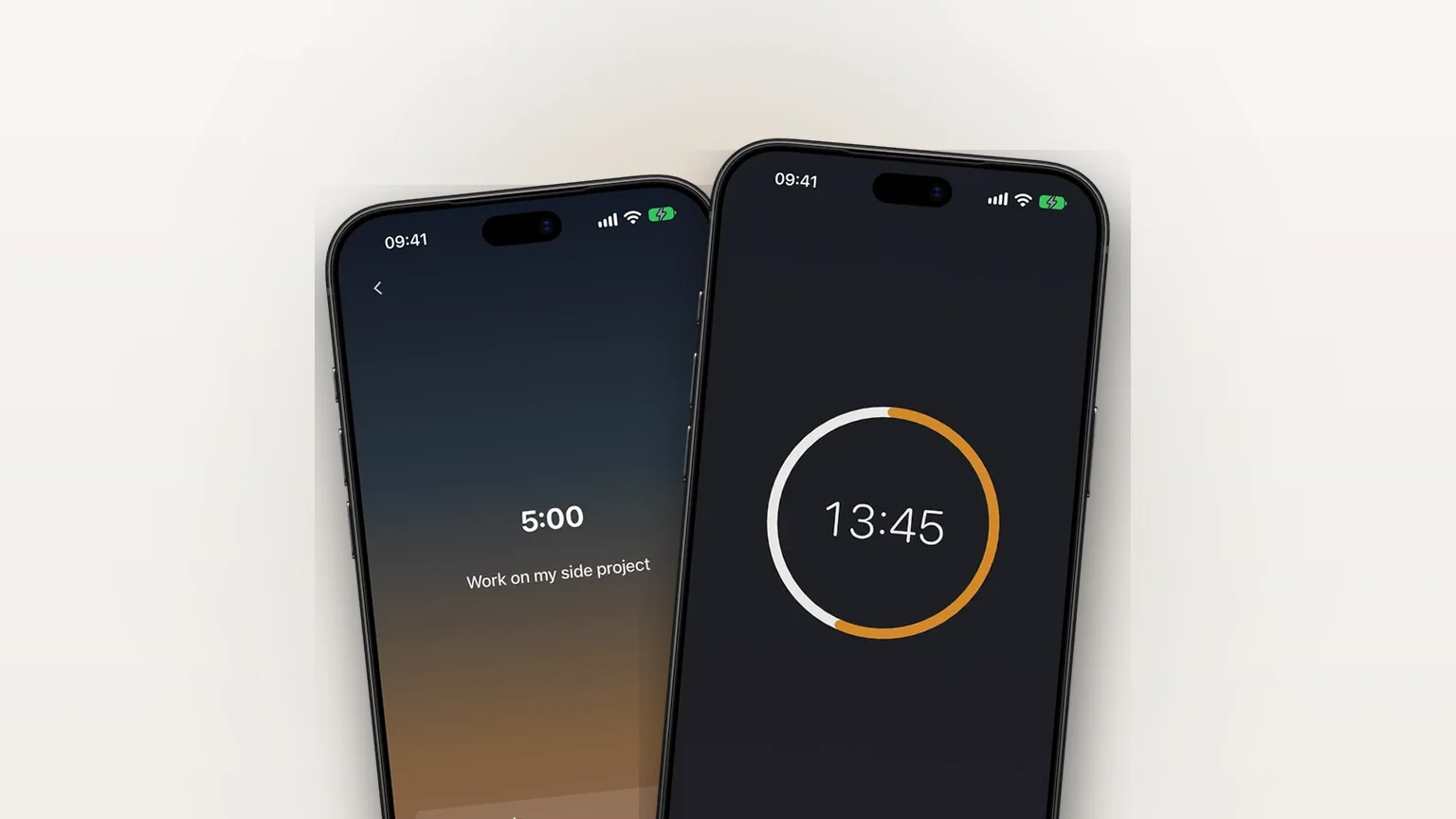
A morning focus session that starts when your alarm stops
A focus timer that opens right after your alarm, 5 to 120 minutes in steps of 5, also available any time with Focus now.
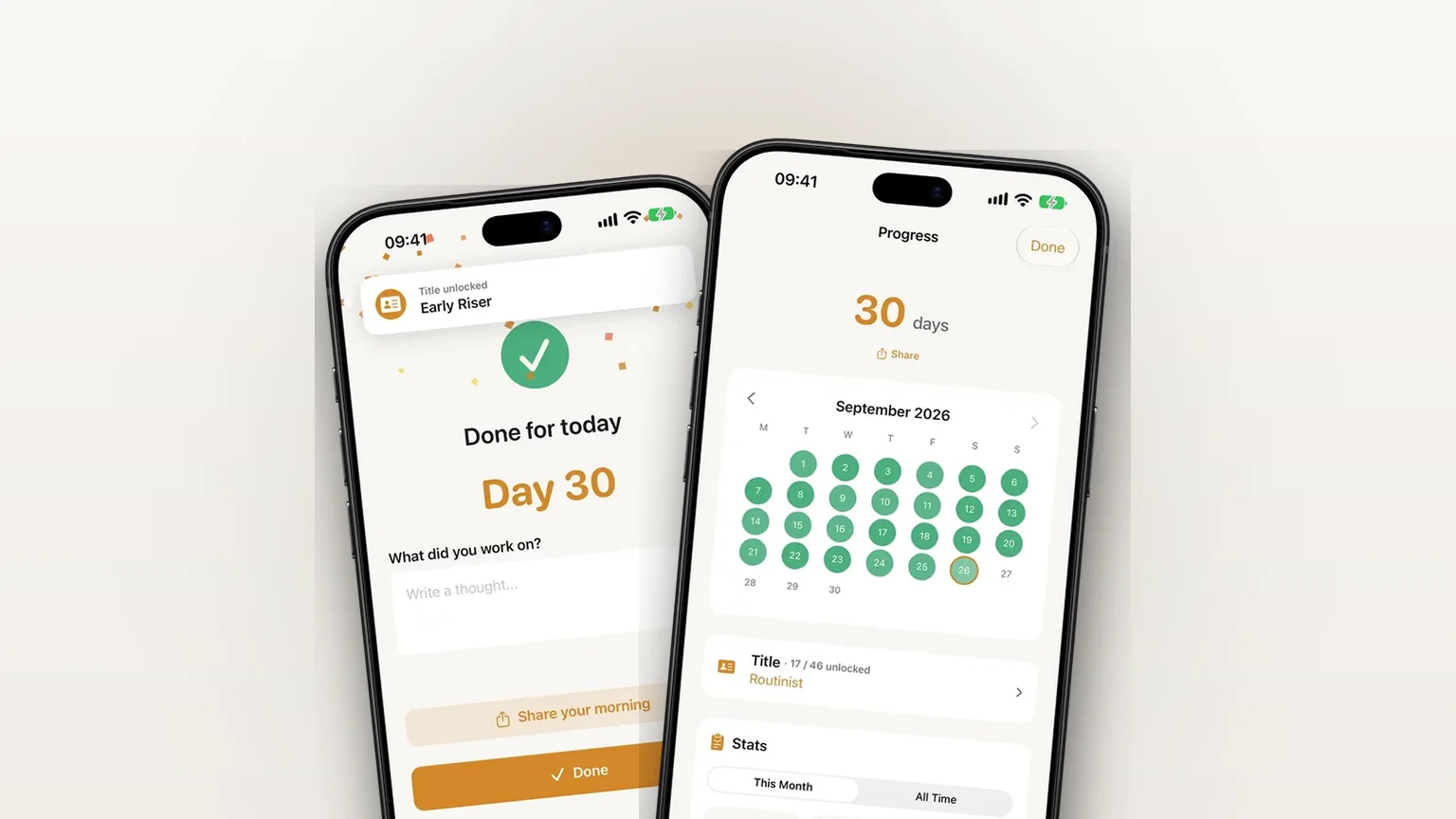
iCloud backup for your settings, streak and journal
Your settings, streak and journal back up privately to your own iCloud, free, and restore in one tap on a new iPhone.